No message selected
To:
Subject:
 JUMP
JUMP
Press a shortcut and every button, link and field in the window gets a short label. Type the label to click it.
Download for Macbrew install --cask alvaldes/tap/jump
Version 1.1.0 for macOS 26 and later. Free and open source.
No message selected
Labels every clickable element of the focused window. Type a label to click it. Hold ⇧ to right-click, ⌘ to double-click or ⌥ to only move the pointer, or pick other modifiers in Settings.
Scrolls the window with h j k l, half a page with d u, to either end with gg G. Tab moves to the next scrollable area.
Finds any text visible in the window, ignoring case and accents. Tab moves between matches and Return puts the cursor there.
Switch apps with the mouse, ⌘-Tab or a window manager like AeroSpace and the labels disappear on their own.
For terminals, PDFs and images, text search can recognize what is on screen. It's off until you turn it on, and nothing leaves your Mac.
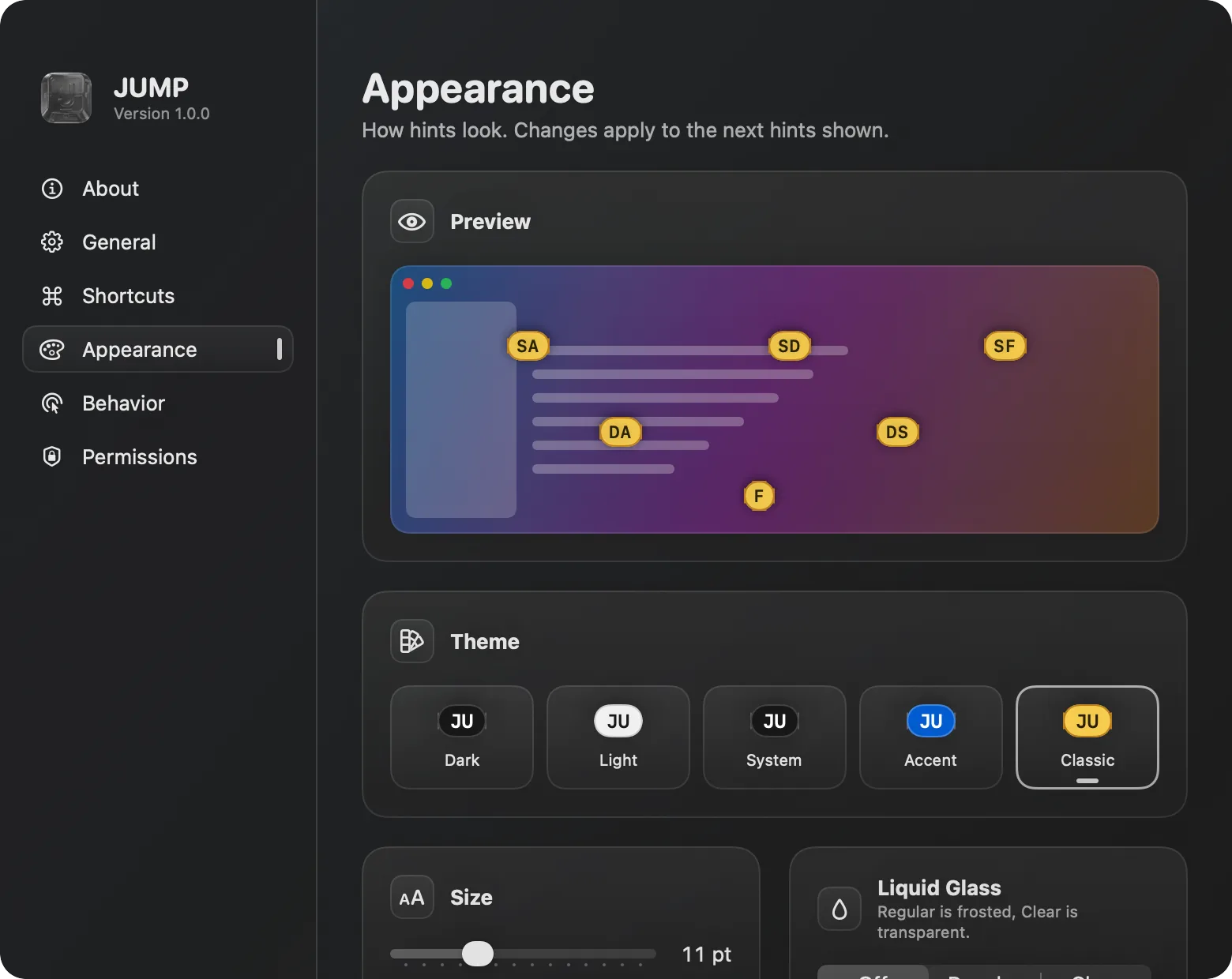
Change the shortcuts or turn them off in the apps you choose, the modifier for each click action, the letters labels use, five label themes, sizes from 7 to 20 pt, Liquid Glass and scroll speed.
GPL-3.0, built on ideas and code from Vimac. Read the code, report issues or send changes on GitHub.
Download JUMP.dmg, open it and drag JUMP to Applications, or use Homebrew:
brew install --cask alvaldes/tap/jump
Open JUMP from Applications. macOS stops it the first time: choose Done, then click Open Anyway in System Settings, Privacy & Security.
JUMP isn't notarized by Apple yet, so you confirm it once. Step-by-step guide with screenshots
Allow JUMP in Accessibility when it asks.
That's how JUMP finds and clicks elements in other apps.
Press ⌘⇧Space in any window.